
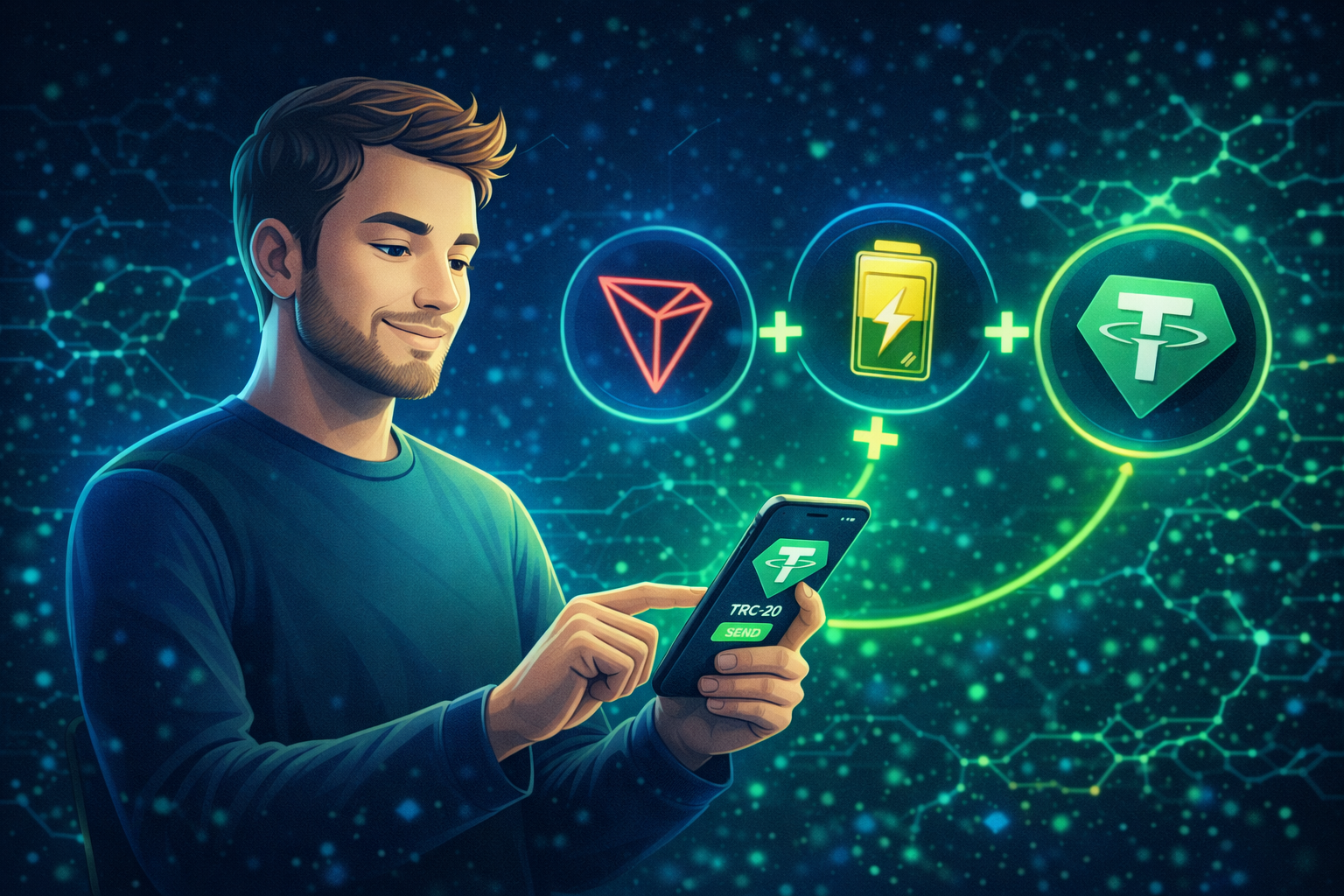
USDT transfers on the TRON network are widely used thanks to their speed and accessibility. However, beginners often face unexpected issues: the balance is sufficient, the address looks correct, but the transaction fails or suddenly requires TRX to proceed.
The reason lies in TRON’s resource-based fee model. This guide explains how USDT TRC-20 transfers work, what to check before sending funds, and how to avoid the most common mistakes.
Why USDT TRC-20 Transfers Sometimes Fail
USDT TRC-20 operates through a smart contract. In the TRON blockchain, such transactions consume network resources — Energy and Bandwidth.
If these resources are not available on the sender’s address, the network automatically covers the cost by burning TRX.
For occasional transfers this may go unnoticed, but for frequent transactions the cost becomes more visible. That is why many users choose to connect TRON Energy in advance, allowing part of the transaction cost to be covered by resources instead of TRX and reducing overall expenses by up to 65%.
Step-by-Step Guide to Sending USDT TRC-20
Step 1. Verify the Network and Recipient Address
Before sending USDT, make sure that:
- USDT is selected on the TRON (TRC-20) network
- the recipient address belongs to the TRON network
- the recipient explicitly expects a TRC-20 transfer
Choosing the wrong network is the most common reason for failed or lost transactions.
Step 2. Prepare Your Wallet (Using Exodus as an Example)
USDT TRC-20 works with non-custodial wallets that support TRON. One popular option is Exodus.
If you are new to this wallet, it is helpful to understand how to use the Exodus wallet properly, including where to check the network, fees, and transaction status. This preparation helps avoid mistakes before sending funds.
Recommended actions:
- enable TRON and USDT TRC-20 in the asset list
- double-check the receiving address
- send a small test transaction first
Step 3. Connect TRON Energy Before Sending
To avoid keeping TRX on your balance, you can connect network resources in advance.
Before sending USDT, you may purchase energy through tronpoolenergy.com.
The service connects Energy and Bandwidth to your public wallet address without accessing private keys. Once activated, the resources are used automatically for transactions.
This approach:
- lowers transaction costs (in many cases up to 65%)
- reduces the risk of failed transactions due to missing TRX
- makes transfer costs more predictable
Step 4. Send USDT and Check the Transaction Status
Once your wallet is prepared and energy is connected, the sending process is straightforward:
- open USDT TRC-20
- select “Send”
- enter the TRON recipient address
- specify the amount
- review the fee information
- confirm the transaction
You can track the transaction status using its hash in a TRON blockchain explorer.
Common Beginner Mistakes
The most frequent issues include:
- selecting the wrong network
- lacking Energy or TRX
- skipping a test transfer
- assuming USDT itself covers the network fee
Most of these problems can be avoided with simple preparation.
Final Thoughts
Sending USDT TRC-20 on the TRON network does not require advanced technical knowledge, but it does require an understanding of how network resources work. Preparing your wallet and connecting energy in advance helps avoid interruptions and unexpected costs.
Using tronpoolenergy.com allows users to simplify the process and make USDT transfers more stable — especially when transactions are performed regularly.